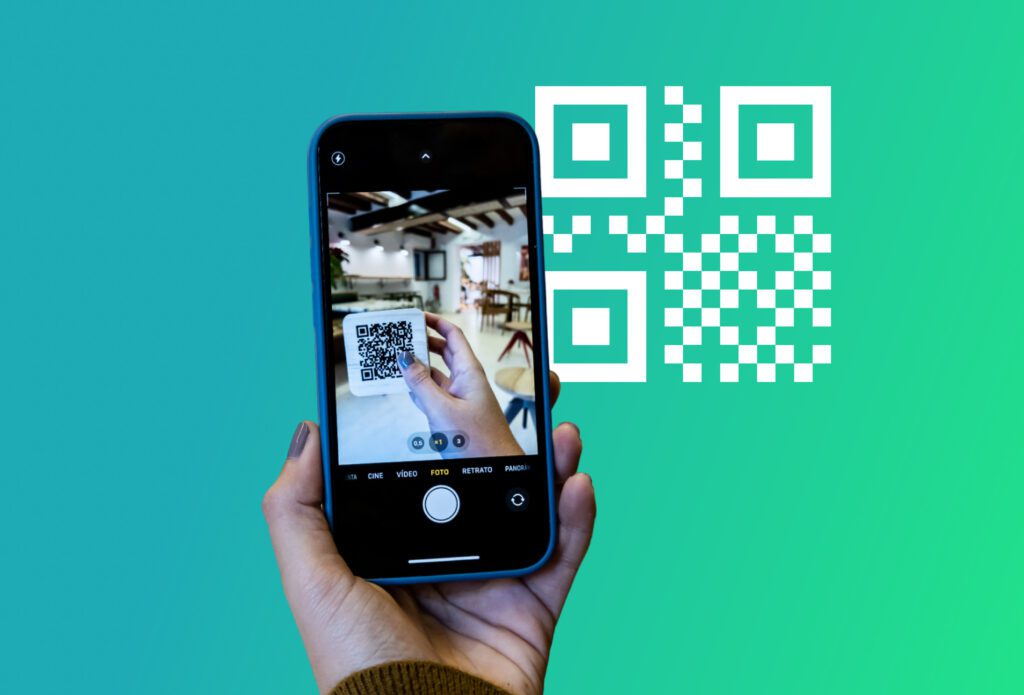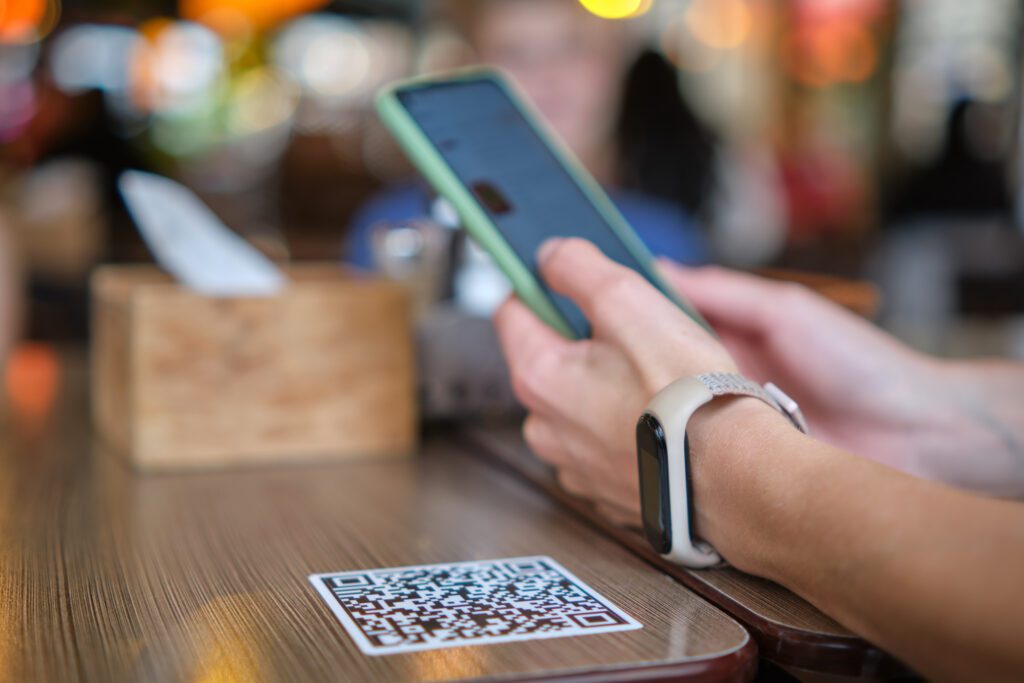

In today’s business world, everything moves at speed and is driven by connection. That’s why the traditional business card is evolving, making way for the digital business card QR. With a simple QR code, generated for free in just a few seconds, you can turn a standard business card into a digital, flexible tool that’s ready to be shared anywhere.
Why choose a digital business card QR
A digital business card QR allows you to store all your contact details — name, job title, company, phone number, email address, website and even social profiles — within a single, easy-to-scan code. Anyone who scans it with their smartphone can save your details instantly, avoiding typing errors and making the whole process quicker and more professional.
By choosing a dynamic QR code, you can also update your information at any time without having to reprint anything. It’s an ideal solution for anyone who frequently changes role, phone number or email address.
Beyond convenience, there’s also a clear branding benefit. A business card with a QR code conveys a modern, forward-thinking image, shows attention to sustainability and demonstrates care for the experience of the person you’re sharing your details with.
How to create one
Creating a QR code for a vCard is quick and straightforward:
- Open Doitsquare and create your profile.
- Select the “vCard / business card” option and generate your QR code by entering your details.
- Create the QR code and download it in your preferred format (PNG, SVG, etc.). You can print it on physical business cards or use it in email signatures, PDFs, presentations or on your website — wherever you like.
When to use a digital business card QR
A digital business card QR is particularly useful at events, conferences and trade fairs, where networking often happens quickly. It’s also perfect for email signatures and digital proposals, as well as on your website or social media profiles, helping contacts save time when adding your details. If you work in a sector where contact information changes frequently — roles, phone numbers or locations — a dynamic QR code offers maximum flexibility.
Tips for getting the most out of it
To truly make the most of your digital business card QR, opting for a dynamic QR code is highly recommended, as it allows you to update your details whenever needed with no hassle. Always test the QR code before using it to ensure everything works properly. If you include it on a physical business card, make sure the print quality is high so the code is clear and easy to scan. Combining a digital solution with a traditional card means you’ll always be prepared — whether you’re meeting someone face to face or sending an email, sharing your contact details will always feel quick and professional.
Adopting a business card with QR code means making the traditional business card smarter, more flexible and more professional. It’s a small change that can make a big difference in how you and your business are perceived.