
QR codes are everywhere nowadays: on products, in restaurants, on shop windows, and on business cards. But among all the standard black-and-white codes, a QR code with logo immediately stands out.
A QR code with logo isn’t just visually appealing; it communicates professionalism, trustworthiness, and attention to detail.
Why create a QR code with logo
Adding your logo is a simple yet effective way to:
- Strengthen your brand identity, making your communication instantly recognisable.
- Increase user trust, conveys security and legitimacy.
- Enhance the user experience, so anyone scanning the code knows exactly who it belongs to.
In short, a personalised QR code becomes an integral part of your marketing strategy.
How to create it
Creating one is quick and easy, even without graphic design skills. Here are the main steps:
- Choose the QR code content – it can link to a website, a PDF file, a social media profile, or a digital business card.
- Upload your logo – ideally in PNG format with a transparent background.
- Personalise the colours – adjust the QR code colour to match your brand identity.
- Download the high-resolution file – ready for print or online use.
With online tools like Doitsquare, you can do all of this in just a few minutes, achieving a professional and fully customised result.
Where to use a QR code with logo
The possibilities are endless. Here are some ideas:
- Digital or printed business cards
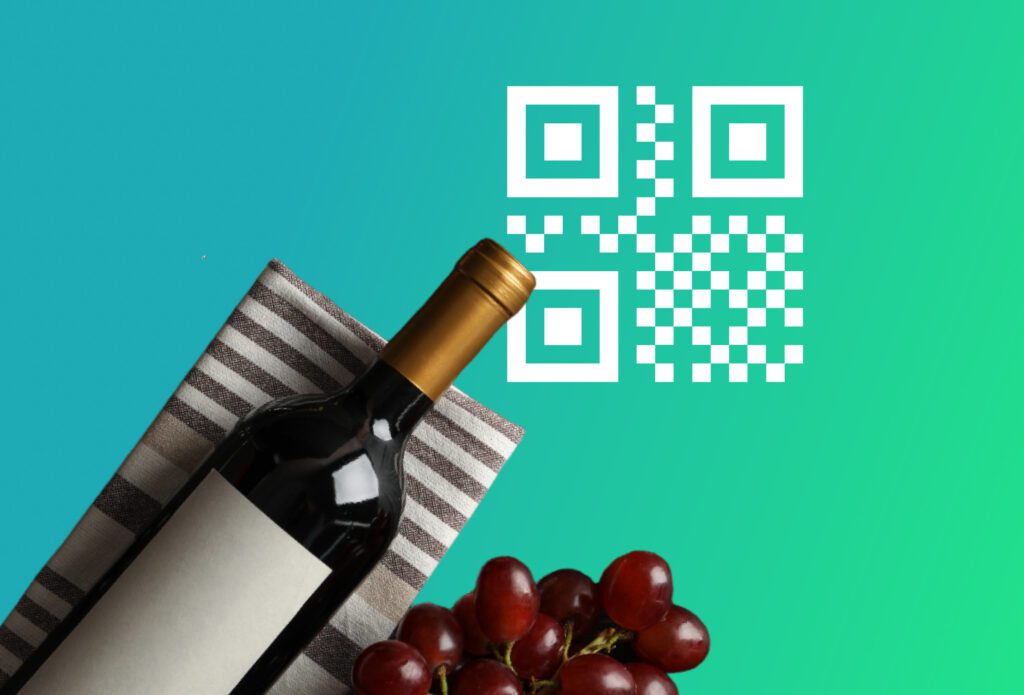
- Product packaging
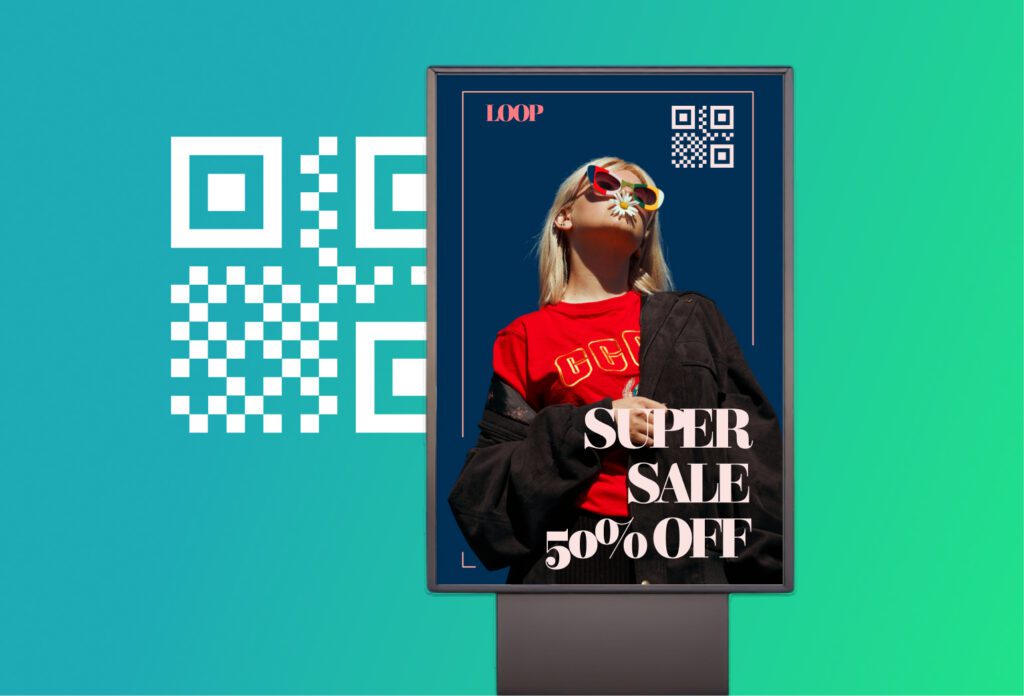
- Promotional materials such as flyers or brochures
- Shop windows and signage
- Emails and newsletters
Wherever you place it, a QR code with logo becomes a direct, visual point of contact with your customers.
Tips for a perfect result
- Maintain good contrast between the code and background for readability.
- Avoid covering the centre of the QR code with an image that is too large.
- Always test the code before printing or publishing.
A QR code with logo combines functionality and branding: it’s a simple, cost-effective, and impactful tool to improve your business’s visual communication.
Customising one with Doitsquare.com is easy: just a few clicks, and your QR code will be ready, unique, and perfectly aligned with your brand identity.